

View email details
All received emails are stored and available on the Emails Dashboard page as they arrive. In the “Receiving” tab, select any email to view its associated metadata. View the sender address, recipient address, subject, unique id, and more. Each email also contains a Preview, Plain Text, HTML, and Raw version to visualize the content of your received email in its various formats.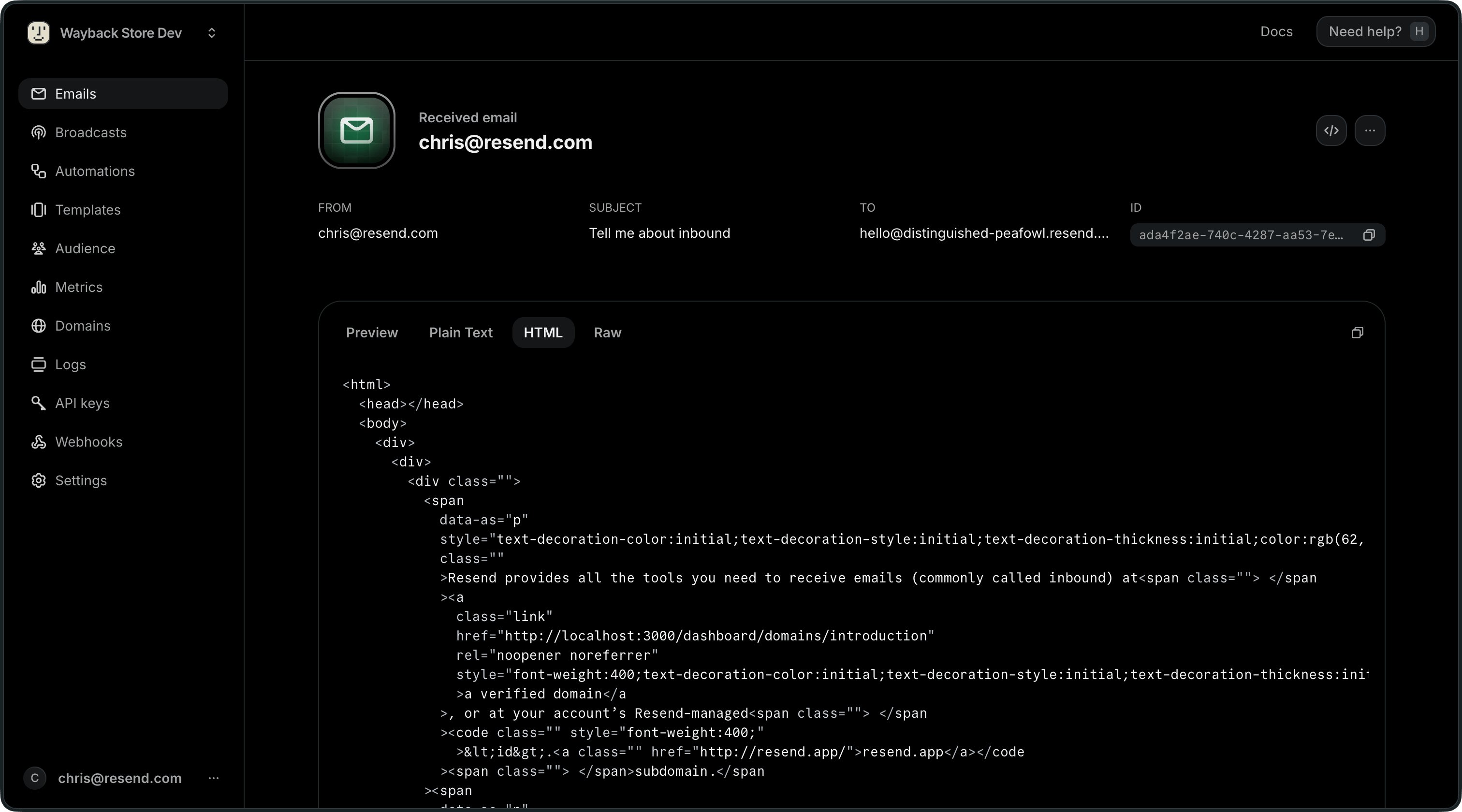
Export your data
Admins can download your data in CSV format for the following resources:- Emails
- Broadcasts
- Contacts
- Segments
- Domains
- Logs
- API keys
Currently, exports are limited to admin users of your team.
All exports your team creates are listed in the
Exports page under Settings > Team >
Exports. Select any export to view its details page. All members of your
team can view your exports, but only admins can download the data.